Crypto App Download: How to Install Safely in India
How to download a crypto app safely on Android or iPhone: verify the developer, avoid fake APKs, set up security, and what to do if you installed a fake app.
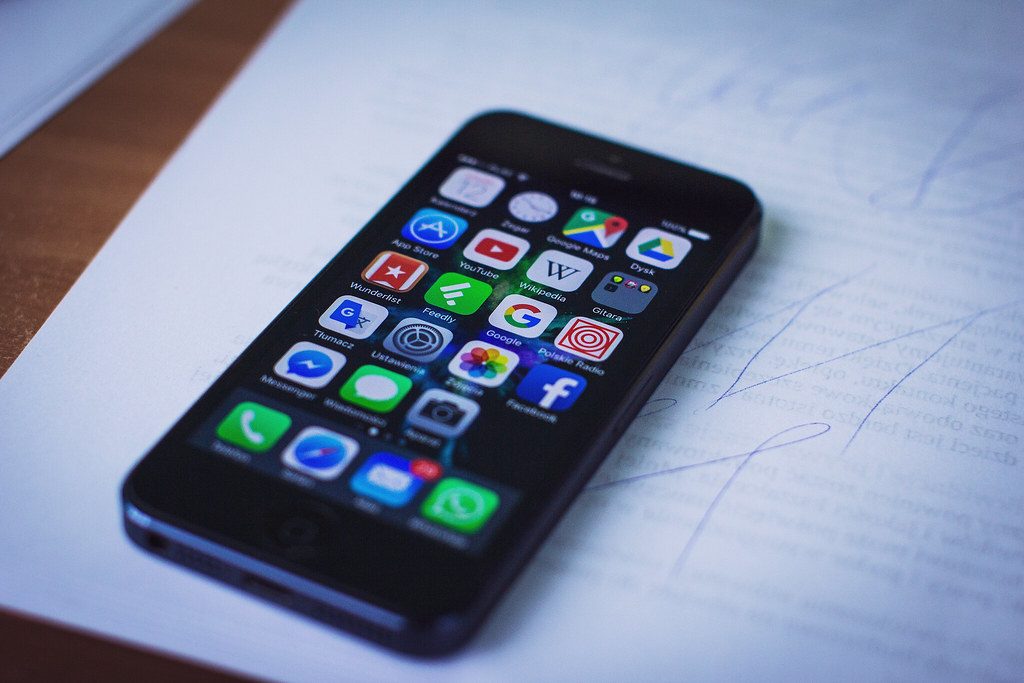
Downloading a crypto app is the first step to buying crypto in India, and it is also where many people get caught. Fake apps copy the name, logo and screens of real exchanges, show made-up balances and profits, then refuse withdrawals until the victim pays more. The good news is that a few simple checks before you tap "install" avoid almost all of these traps. This guide shows how to download a crypto app safely on Android and iPhone, and what to do next.
Key takeaways
- Download only from the Google Play Store or Apple App Store, or from a link on the exchange's own official website.
- Check the developer name, download count, release history and reviews before installing.
- Never install an APK file sent through WhatsApp, Telegram, SMS or email.
- After installing, turn on authenticator 2FA before you deposit any money.
Before you download: pick the right app
Decide which platform you want first, instead of searching for "crypto app" and tapping the top result. Registered Indian exchanges offer UPI deposits, deduct TDS for you and give tax reports. Compare them in the best crypto apps in India, the top 5 cryptocurrency apps and the FIU-registered exchanges list. New to the idea? Start with what a crypto app is.
How to download safely on Android
- Open the Google Play Store app itself; do not follow a link from a message.
- Search for the exact exchange name and open the listing.
- Check the developer name under the app title. It should match the company named on the exchange's official website.
- Look at the number of downloads, the date the app was first released and recent reviews. A copycat usually has few downloads, a recent release date and reviews complaining about withdrawals.
- Tap Install. Keep Google Play Protect switched on.
Leave "install unknown apps" turned off. If a website or person tells you to allow it so you can install their app, stop. Our guide to the best crypto apps for Android lists well-known options.
How to download safely on iPhone
- Open the App Store and search for the exact name.
- Check the developer name, ratings and the "Information" section for the seller.
- Install the app. Never install a "profile" or "enterprise certificate" to get a crypto app; that is a common trick to put fake apps on iPhones.
Warning signs of a fake crypto app
| Warning sign | Why it matters |
|---|---|
| Link shared in a chat group or by a new "friend" | Investment scams usually start with a contact met online |
| Offered only as an APK or through a test link | Skips app store checks entirely |
| Guaranteed daily or weekly returns | No real exchange pays fixed returns on trading |
| Deposits go to a personal UPI ID or bank account | Real exchanges collect money in company accounts |
| Fees or "tax" demanded before withdrawal | The classic sign you are dealing with a scam |
| Name slightly different from a known brand | Copycats rely on quick glances |
Also note that apps of offshore exchanges that are not registered with FIU-IND can be removed from Indian app stores, as happened to several in early 2024. If an app is missing from the Indian store, do not look for it elsewhere.
After installing: set it up securely
- Sign up with an email and phone number you control, and a unique password.
- Turn on authenticator 2FA, device alerts and withdrawal address whitelisting.
- Complete KYC only inside the app. Our guide on opening a crypto account covers every step.
- Keep the app updated, and set a screen lock on your phone.
- Make a small deposit and a small withdrawal first to confirm everything works.
For everyday safety, read our crypto login guide.
If you installed a fake app
- Stop sending money, whatever the app or "support agent" says about fees or penalties.
- Take screenshots of the app, chats, payment receipts and wallet addresses.
- Report it at cybercrime.gov.in or call the 1930 helpline as quickly as possible; fast reports give the best chance of freezing funds.
- Tell your bank about the payments.
- Uninstall the app, change passwords that you used in it, and scan your phone.
- Beware of "recovery agents" who promise to get the money back for a fee; they are usually the same scammers.
More on this in how to avoid crypto scams in India.
Frequently asked questions
Where should I download a crypto app in India?
From the Google Play Store or Apple App Store, after checking that the developer name matches the company on the exchange's official website.
Is it safe to install a crypto app APK?
Generally no. An APK shared in a chat or on an unknown site skips app store checks and is a common way to spread fake apps and malware.
Why can't I find a crypto app on the Indian app store?
It may not be available to Indian users, often because it is not registered with FIU-IND. Choose a registered exchange instead of downloading it from elsewhere.
Are crypto apps free to download?
Yes, genuine exchange apps are free to install. They make money from trading and withdrawal fees, which should be published clearly.
This article is AI-assisted, educational and general in nature. It is not financial advice and never a guarantee of profit. Every trade is at your own risk on your own exchange. See our risk disclosure and editorial policy.